
Colors
Foreground & Background
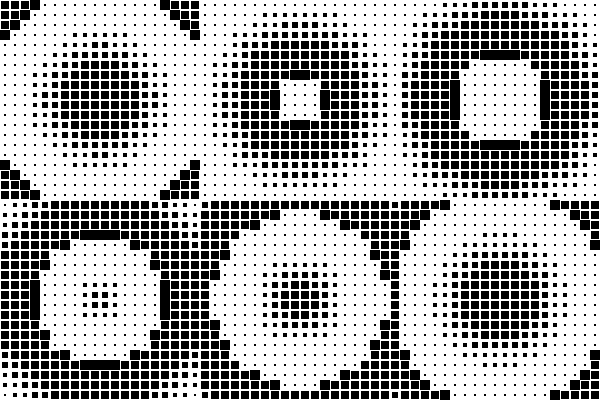
What they do: the two colors used to paint every block — Foreground for "on" pixels, Background for "off" ones. Each can be a flat solid color or a gradient (see below).
| Default (white on black) | Inverted | Custom pair |
|---|---|---|
 |
 |
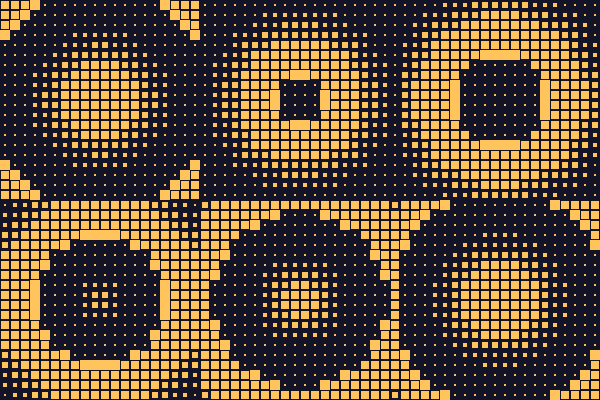 |
There's also a one-click Invert button that swaps Foreground and Background (and their gradients, if set) instantly — the fastest way to try the same setup in reverse without re-picking two colors by hand.
Gradients
What it does: instead of one flat color, Foreground (or Background) can be a smooth blend across the entire grid — not repeated per block. This matters: a gradient set here paints once across everything, so it reads as one continuous wash of color behind the pattern rather than 400 tiny identical gradients.

Because the gradient is computed across the whole grid rather than per block, a bigger grid or a different Grid Shape changes how much of the gradient you actually see — worth a quick check after changing either one, since a gradient that looked balanced on a small grid can end up looking lopsided on a much larger one, or vice versa.
⚠️ One export detail worth knowing: GIF only supports 256 colors total, so a smooth gradient can show visible color "banding" once exported, even though it looks perfectly smooth in the live preview. If a gradient needs to stay perfectly smooth, APNG or Video (see Exporting) won't have this limitation.