
Preview & Playback
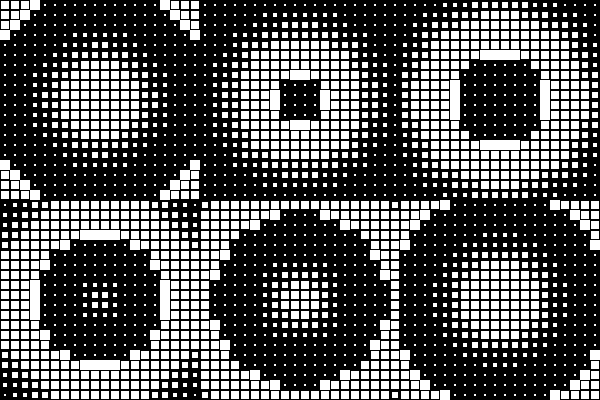
The preview area is where everything you're building actually plays, live, as you move any control in the sidebar. There's no "render to see it" step — the grid above updates in real time as you drag a slider.
Zoom
The preview and the underlying grid size are two separate things — zoom just changes how big everything looks on your screen, it doesn't change the grid itself:
- 1× — the default. The grid at true 1:1 pixel size, useful when you want to judge exactly how crisp or soft it'll look at real-world size. Block view starts at 4× so a single block is large enough to inspect.
- Fit — the whole grid scales to fit the preview area, however big or small the grid is.
- Zoom slider / pinch — zoom in or out freely, independent of the grid's own dimensions (which you change in the Grid controls, not here).
- Pop-out window — opens the preview in its own separate window at actual size, with no sidebar in the way — handy for a second monitor, or just getting the controls out of your peripheral vision while you look at the result.
Playback controls
- Play / Pause — starts or freezes the live animation.
- Scrubber — drag to jump to and inspect one specific frame, rather than watching the whole loop play out. Useful for checking a particular moment looks right (e.g. "is the shape's silhouette clean at the halfway point?").
Playback here is a preview convenience — Playback mode and delays (loop vs. ping-pong, holds) are real settings that get saved and exported; pausing or scrubbing is just you looking, and doesn't change anything about the setup itself.